want your painting’s eyes to pop? new layer (opacity 50-70%), linear dodge (add), pick the same color as the eyes and/or a bit more saturated and go over the lower part of the iris without much pressure. on a new layer choose a lighter color than the previous saturated one, and add speckles/thin lines on the same lower half of the eye. ok that’s it bye
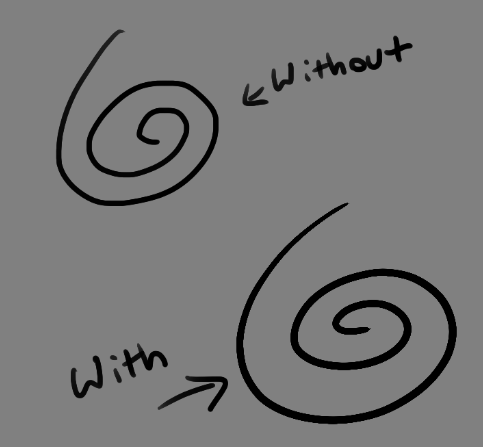
for those asking what the approximate result will be
Hey guys! this is the program I use and its absolutely great! Its developed with a tablet user in mind so everything pen appropriate. Plus FUCK ADOBE and their subscription model.
Krita is a painting program that has been around for a while, and in the last few years, underwent major changes and improvements. Because of these improvements, many artists are using it not just because it is free, but because it offers amazing features. These are by no means all of the great things Krita has to offer, but simply some of my favorite features of the program.
1. The Brush Engines.
Yes, engines. As in plural. There are many. And they all do different things. There is no way you could possibly capture all of its possibilities with one screen shot, but here are just some of the possibilities. Along side standard round, square, and shape, and textured brushes, there are brushes that smear, blend, and create interesting abstract strokes. There are brushes for filters, and one of my favorites, the Experiment Brush, which is basically a pre-filled lasso tool.
Brushes also support weighted smoothing, or brush stabilizers.
This is incredibly useful for line art. And while I do not usually use this feature, it is something that I feel many programs are lacking, such as Photoshop.
But its brushes aren’t the only thing about Krita with variety.
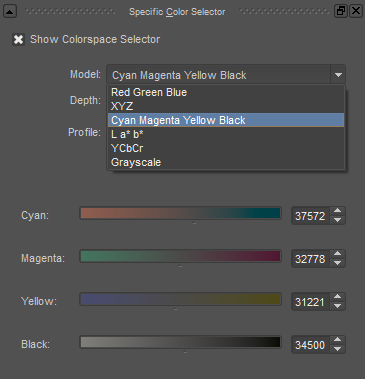
2. Color Selector Customization.
Whether you prefer something basic, or something more complicated, Krita will likely have what youre looking for. You are not likely to find yourself missing your other program’s color wheels. There are even more options than this, and other color selectors.
Gotta love that customization.
Krita also has some great naviation tools.
3. On the fly rotation, zoom, and brush sizing.
With krita, zooming, rotating, and brush size scaling are all smooth, and dynamic with the use of hot keys. These are features I miss when in other programs. To zoom, Ctrl+Middle mouse button, hover over the screen to zoom in and out. The same with shift rotates (press the ‘5’ key to reset rotation). Holding down shift and draging your brush on the canvas dynamically changes its size, allowing you to see the change, and get the exact size you want without brackets. Brackets also work, if that’s what you are used to. Krita also has highly customizable hot keys.
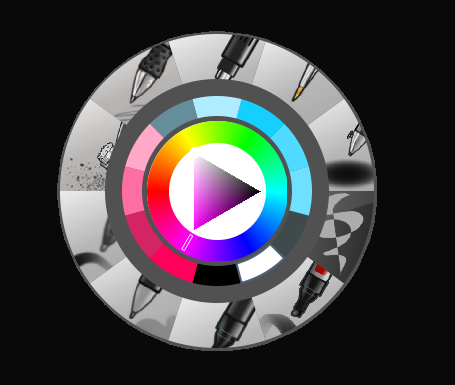
4. The Pop Up Pallet
The pop up pallet is a set of your 10 favorite brushes (which you can edit), and a built in color wheel that appears when you right click on the canvas. It is incredibly useful for switching between those few brushes that you use in almost every picture.
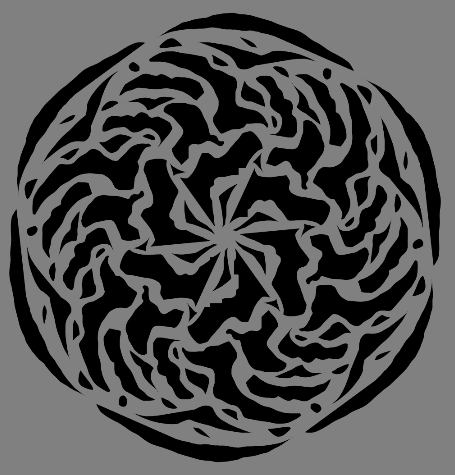
5. Real time, seamless tiles creation.
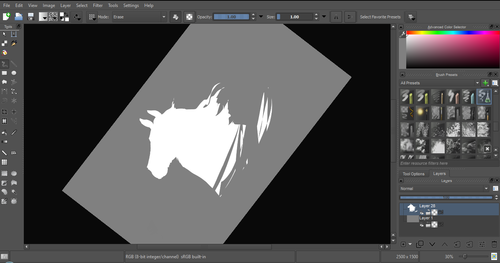
Pressing the W key in Krita will infinitely tile your canvas, and allow you to work real time on simple to complex tiled images. You can zoom in and out to see how your tiles work form a distance, and paint freely to create seamless artwork easily, without having to check using filters and manually tiling. Very usefull for patterns, backgrounds, and games.
6. The Symmetry Tool
This one goes without saying, Krita supports both horizontal and vertical symmetry, along with a brush that is capable of radial symmtry with as many directions as you like.
Go nuts, kid.
There are many more reasons why this program is awesome. And it is only going to get more awesome. And the coolest thing about it, is that it is 100% free. So go check it out! There’s nothing to lose. Krita isn’t for everyone, it can be hard to get the hang of, and it is not meant for photo editing, it is a program completely focused on digital painting from start to finish.
Give it a go and see if Krita is the program for you.
I’m self taught (and actually drawing is my very recent hobby) I don’t have any cool-professional-art-reference-stuff to offer (sorry, heh).
To be very honest, i don’t even think those things are that important.
because drawing is literally a HOBBY and there’s no reason to be stressed out while you’re drawing! your artwork is super cool and no one can judge you, friend. enjoy yourself!
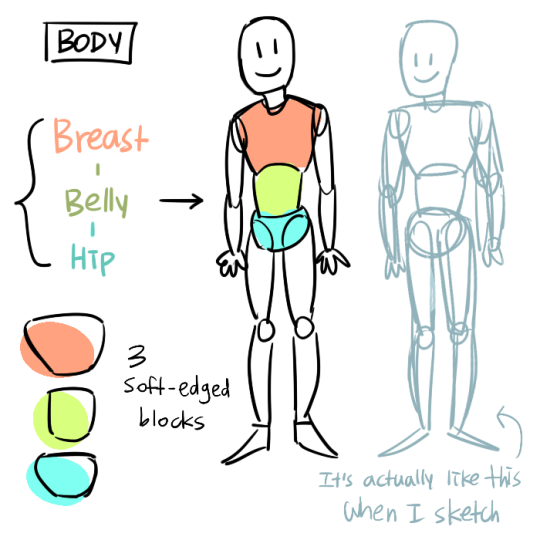
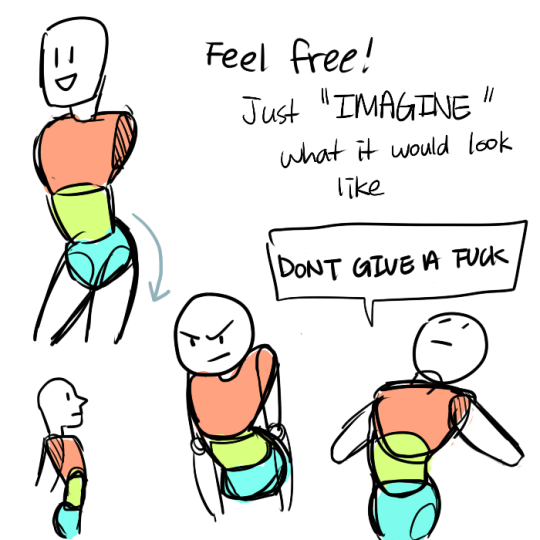
Just a quick thing I put together. This blew my fucking MIND when my anatomy teacher pointed it out. My drawings instantly got better. You might know it (good for you, I wish I knew it before too T_T) or you might not and it might help you get better.
I did NOT know this! :OOOOO Thank you!
Also note for fic writers: this is why, if two characters of wildly different heights are seated / having sex / otherwise level from the torso up, they’re not going to have a problem mashing their faces together. It’s just their toes that won’t touch.
Aw, thank you! As far as beginner drawing resources… Andrew Loomis’s books are a fantastic starting point. Try Fun With a Pencil and then Figure Drawing For All Its Worth.




 i'll apple your turnover